
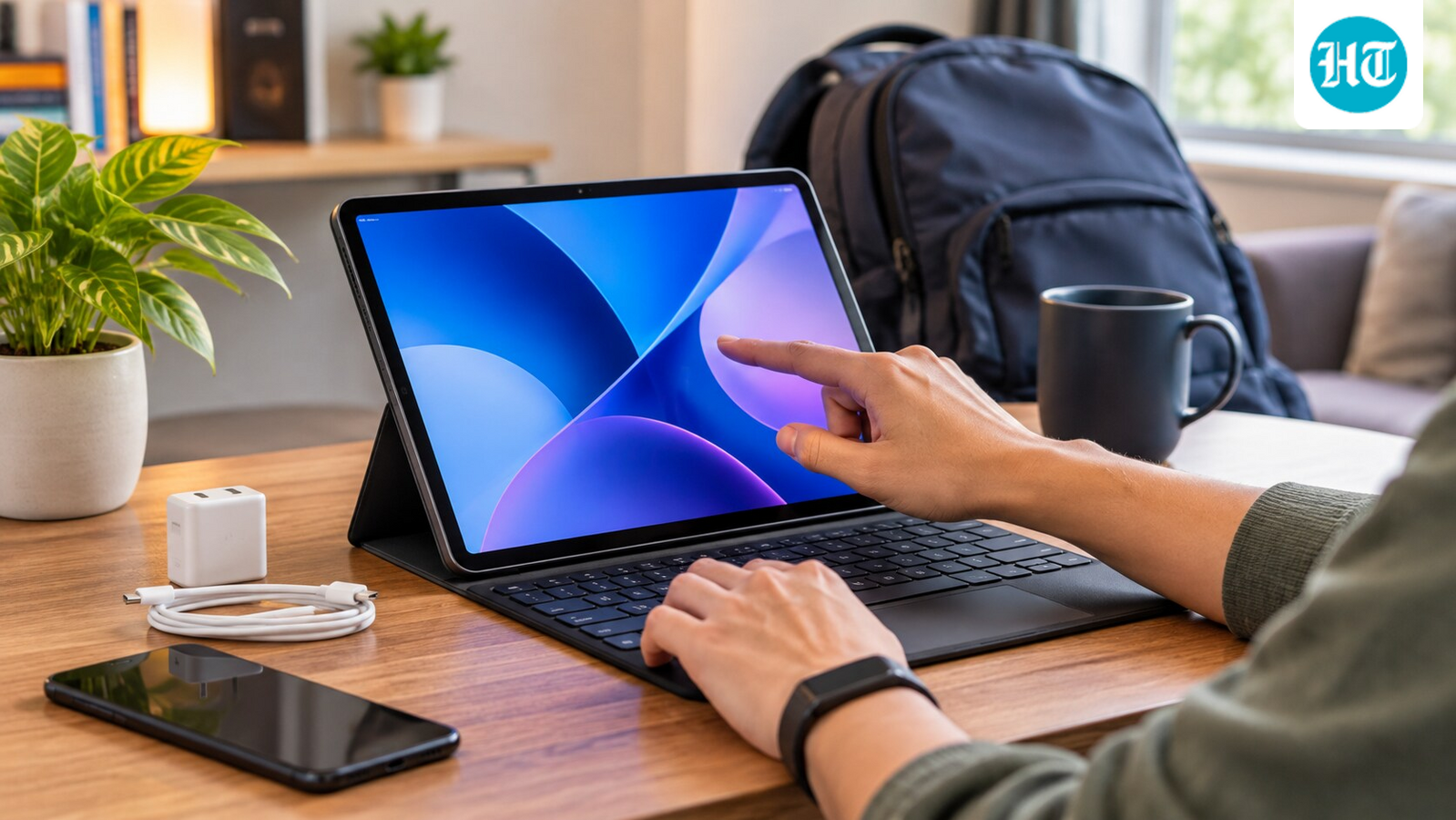


Laptops have traditionally been the go-to devices for getting work done, but tablets have evolved considerably over the last few years. With larger displays, powerful processors, keyboard support and desktop-like multitasking features, they can now handle several tasks that once required a laptop. I have also found that tablets offer a different kind of convenience, particularly when working outside a traditional desk setup.
The biggest advantage is that you do not necessarily have to compromise on productivity to enjoy a more portable device. From carrying it around to setting up a comfortable workspace, here are six reasons why switching from a laptop to a tablet could make sense.
Portability makes working on the move easier
Even as manufacturers continue to make thinner and lighter laptops, tablets still have an advantage when it comes to portability. Most tablets are considerably lighter than conventional laptops, and their slim profiles make them easier to slip into a small backpack or even carry around without much effort. This becomes particularly useful if you travel frequently or move between different workspaces throughout the day.
There is also a difference in how you use them. You can quickly take out a tablet, check a document, respond to messages or make edits without having to find a proper desk. It is easier to use one while sitting comfortably on a sofa, during a commute or while travelling. And when you are done working, the same device can move to your couch for watching movies or reading. A tablet feels less like a dedicated work machine and more like something you can use throughout the day.
Touchscreen displays offer a more natural experience
Most tablets come with touchscreen displays as standard, and this changes how you interact with the device. Instead of relying entirely on a trackpad or mouse, you can directly tap, swipe, scroll and interact with content on the screen. This makes everyday activities such as browsing, reading documents, navigating applications and editing photographs feel more intuitive.
Tablets also tend to offer vibrant displays with good colour reproduction, high resolutions and responsive touch input, making them enjoyable for both work and entertainment. Some models even feature OLED panels with deep blacks and rich colours, something that is still not available across every laptop price segment.
Of course, premium laptops also offer excellent displays, but tablets make touchscreen interaction a standard part of the experience rather than an additional feature.
You get more flexibility with external accessories
One of the biggest misconceptions about tablets is that you have to use them exactly as they come. In reality, modern tablets support a range of accessories that can change how you work. You can pair one with a wireless mechanical keyboard, connect a mouse or trackpad, and place it on a stand to create a more traditional workstation.
This setup can be particularly useful if you prefer a mechanical keyboard for longer writing sessions. You can position the tablet at a comfortable viewing angle and place your keyboard wherever you want. It also gives you more flexibility with desk space, as you are not restricted by the laptop’s built-in keyboard and trackpad.
Some tablets also support styluses, allowing you to take handwritten notes, annotate documents, sketch or edit photographs. You can switch between a keyboard-based setup and a touch-first experience depending on the task. Just make sure the tablet supports the accessories and connectivity options you intend to use.
Smaller chargers make travelling less cumbersome
Another practical advantage of tablets is their charging equipment. Most tablets use relatively compact USB-C chargers, which are considerably easier to carry than the larger power adapters bundled with several laptops. This may not sound like a major difference, but it becomes noticeable when you are already carrying a phone, earphones and other accessories.
You can also use compatible USB-C chargers and power banks to charge many modern tablets, reducing the number of accessories you need to pack. Some models support fast charging as well, helping you get back to work without spending too much time connected to a power outlet.
For someone who frequently works from cafes, travels between meetings or carries their device throughout the day, having a smaller charging setup can make a difference.
Better battery endurance means fewer charging breaks
Battery life is another area where tablets can make a compelling case. Since tablets generally use power-efficient mobile processors and have operating systems designed around lower power consumption, many models can comfortably last through several hours of everyday work.
This is particularly useful for activities such as reading, browsing, writing documents, attending video calls and watching videos. You can leave the charger in your bag and get through a substantial part of your day without looking for a power outlet.
However, battery endurance varies significantly between models and workloads. Running demanding applications, keeping multiple apps active or attending long video calls can drain the battery faster. It is worth checking real-world battery tests instead of relying entirely on manufacturers’ claimed figures.
5G connectivity lets you work without depending on Wi-Fi
A tablet with cellular connectivity can be particularly useful if you frequently work outside your home or office. Several models offer 5G connectivity, allowing you to access the internet using a mobile data connection instead of constantly searching for a reliable Wi-Fi network.
This means you can attend online meetings, access cloud documents, send files and browse the web while travelling. You also do not have to depend on your smartphone’s hotspot, which can be inconvenient and drain its battery.
However, cellular connectivity is usually available only on specific variants, and these can cost more than their Wi-Fi-only counterparts. You will also need a compatible data plan. If you regularly work from different locations, the added convenience could justify the extra expense.
Is switching to a tablet the right decision?
A tablet can replace a laptop for several everyday tasks, particularly writing, browsing, document editing, video calls and entertainment. However, it is important to consider the applications you rely on. Professional video editing, advanced desktop software, complex spreadsheets and certain development workflows may still require a conventional laptop.
The decision ultimately comes down to how you work. If portability, touchscreen interaction, flexible accessories and all-day convenience matter more than having a traditional desktop operating system, a tablet could be a worthwhile alternative.
Similar articles for you
I used Galaxy Buds and AirPods, and this is the one I would recommend
Want a big screen without a TV taking over your bedroom? These projectors are worth considering
Smart bands keep things simple; smartwatches do much more. Which wearable belongs on your wrist?
Disclaimer: At Hindustan Times, we help you stay up-to-date with the latest trends and products. Hindustan Times has an affiliate partnership, so we may get a part of the revenue when you make a purchase. We shall not be liable for any claim under applicable laws, including but not limited to the Consumer Protection Act, 2019, with respect to the products. The products listed in this article are in no particular order of priority.